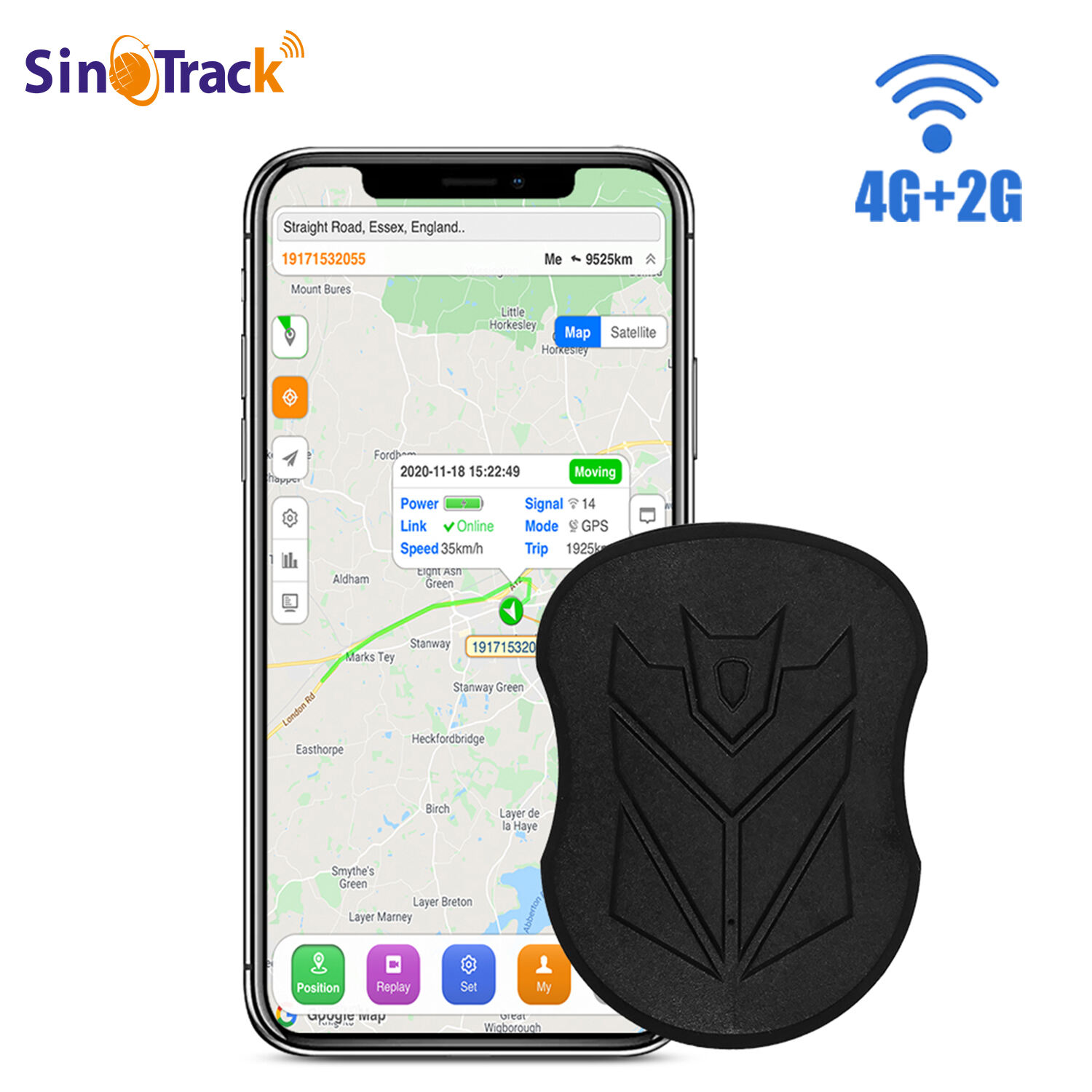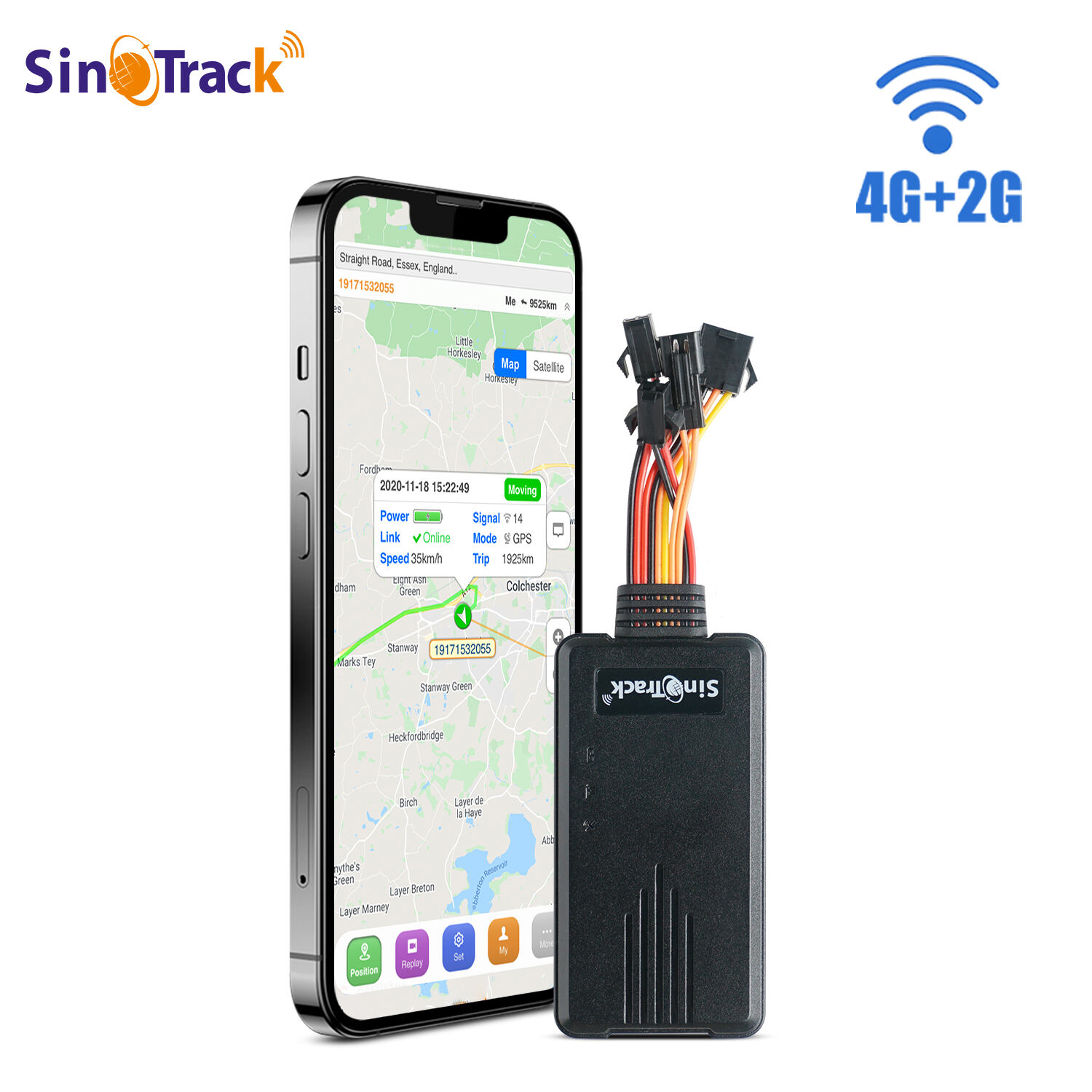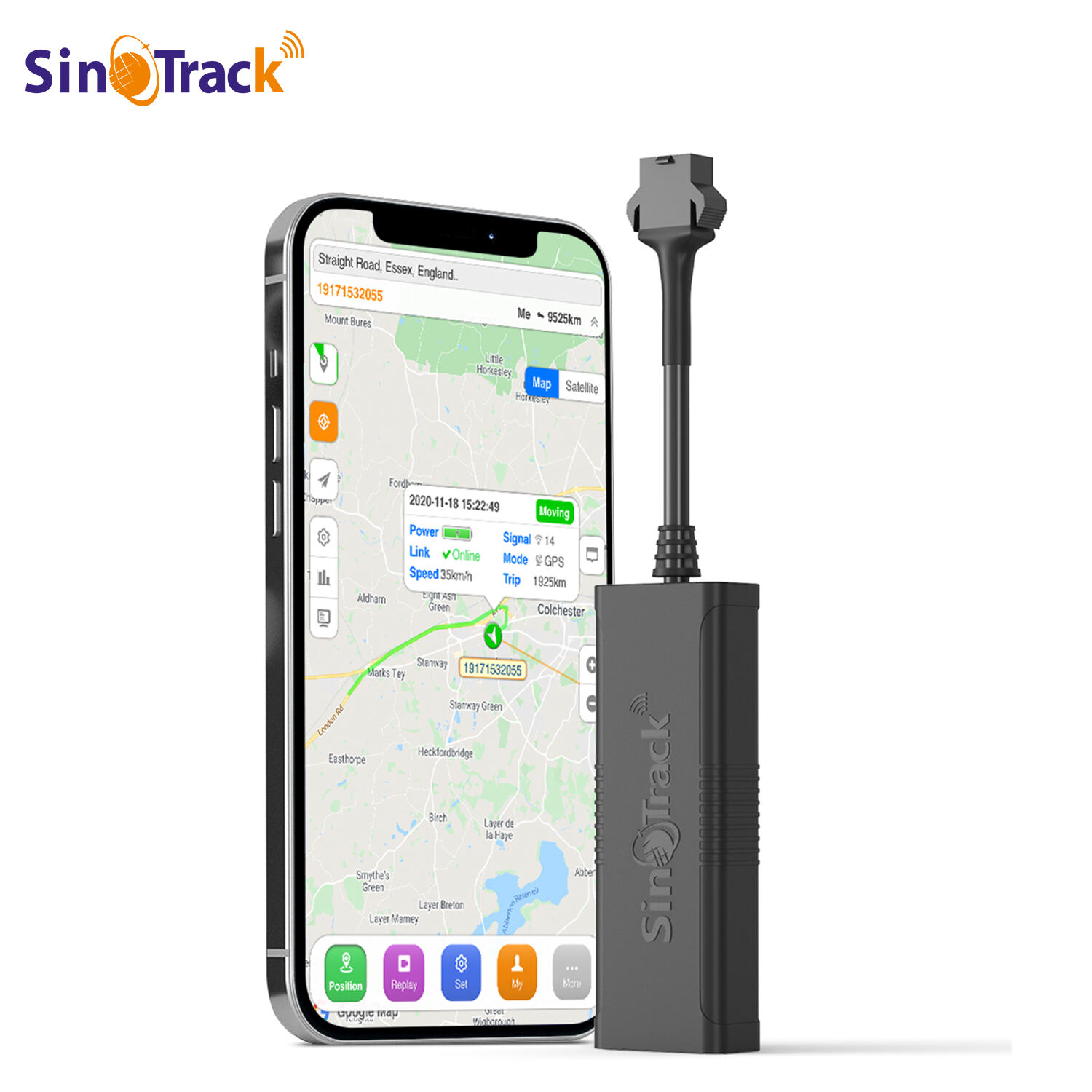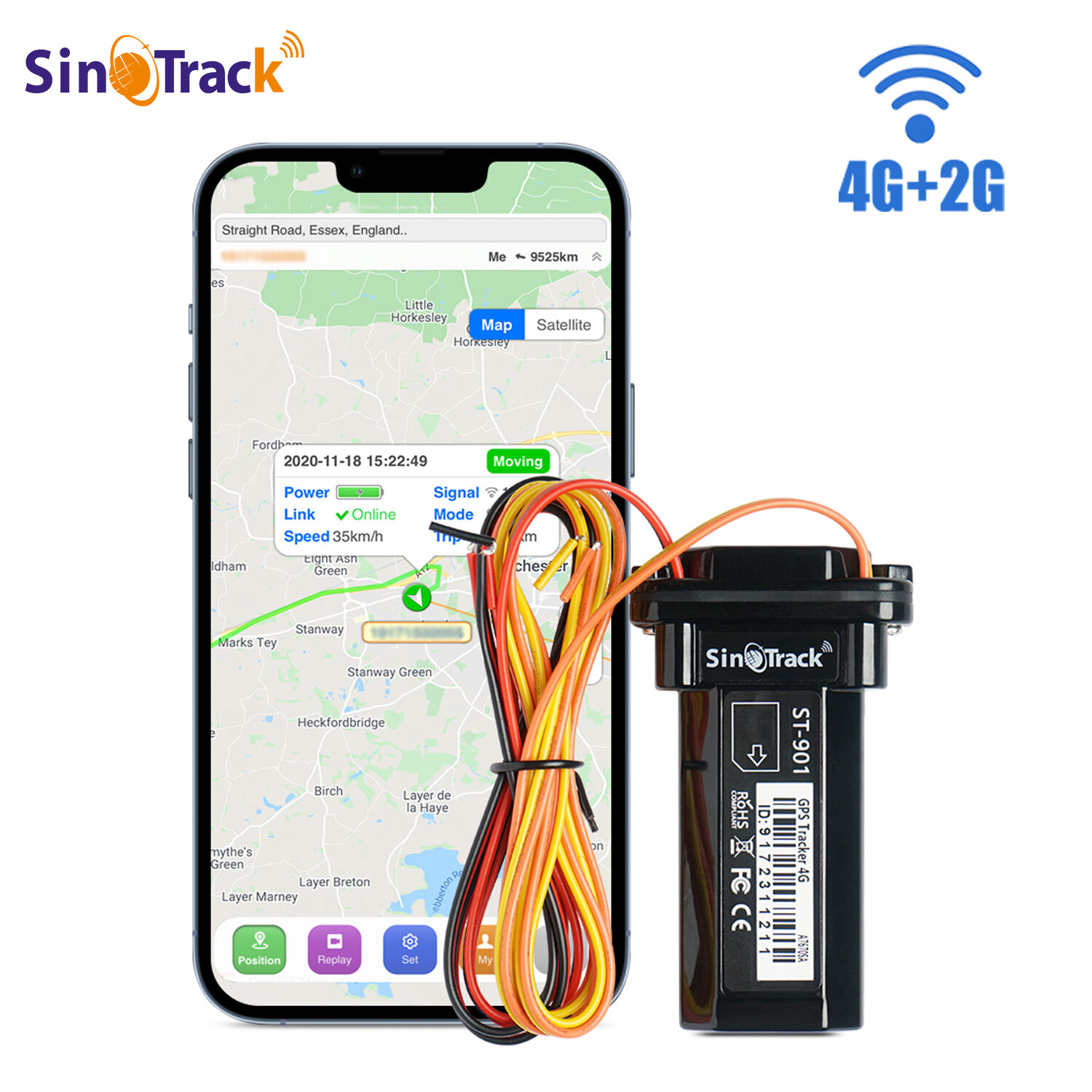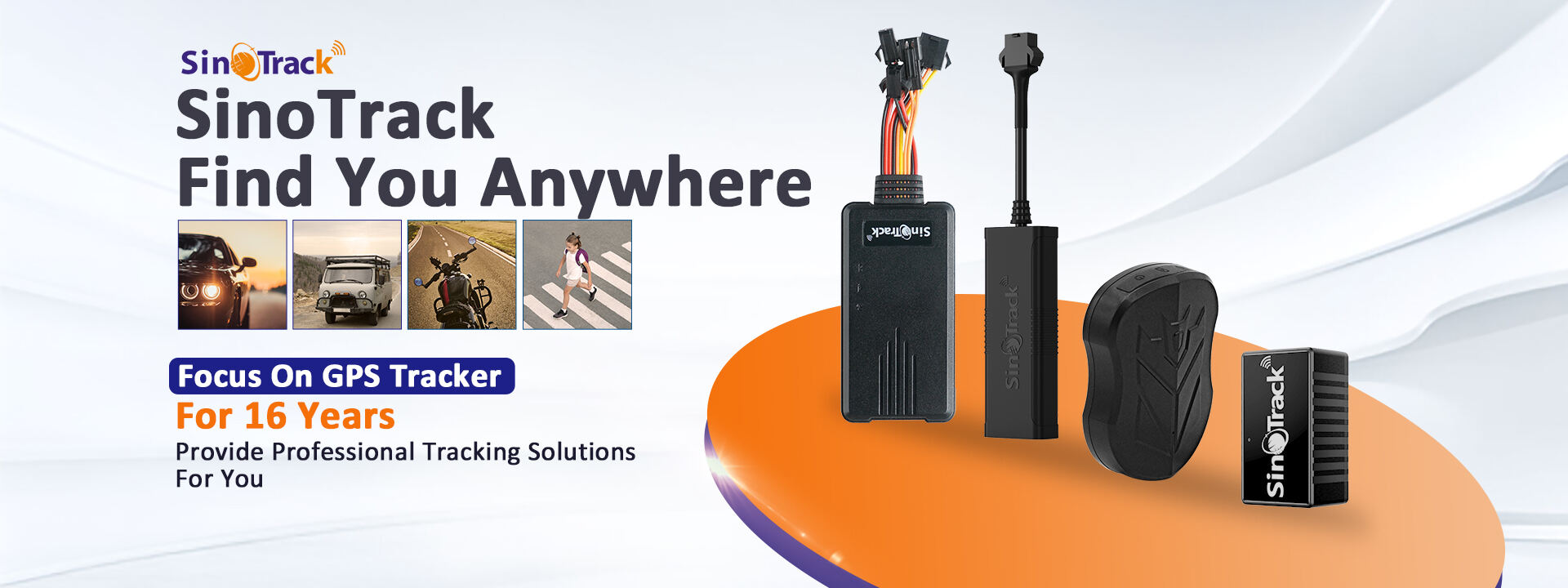
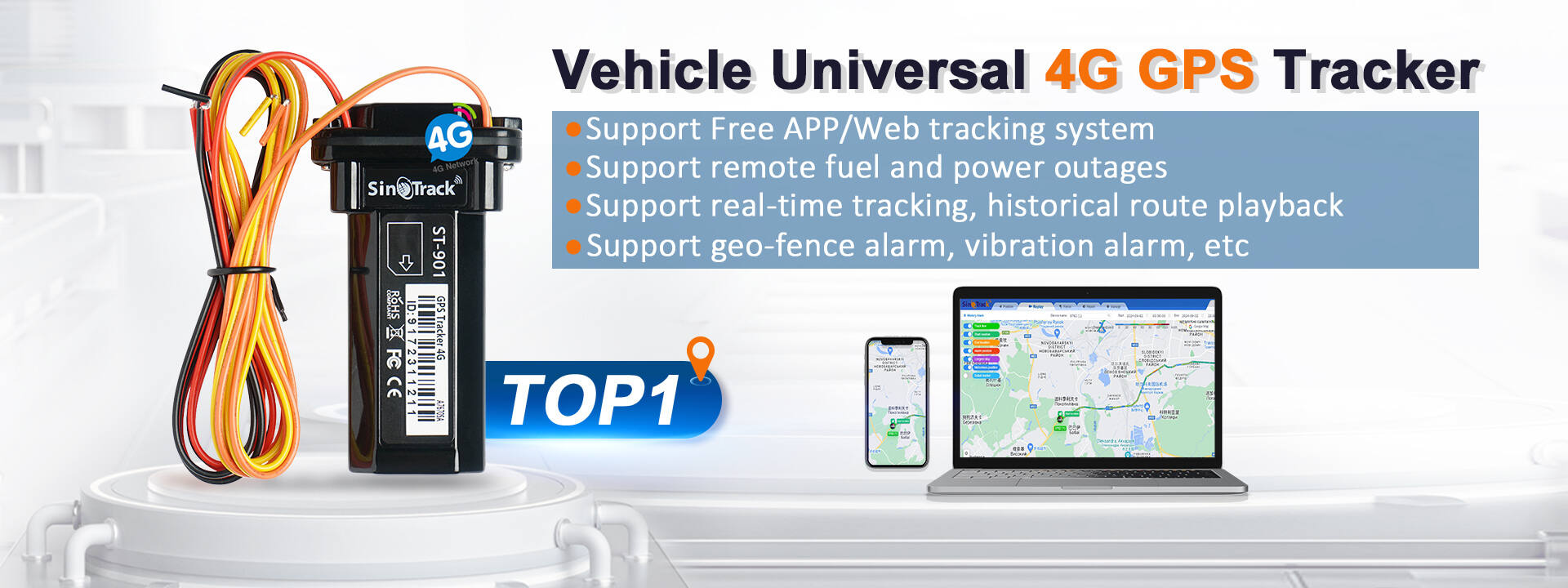
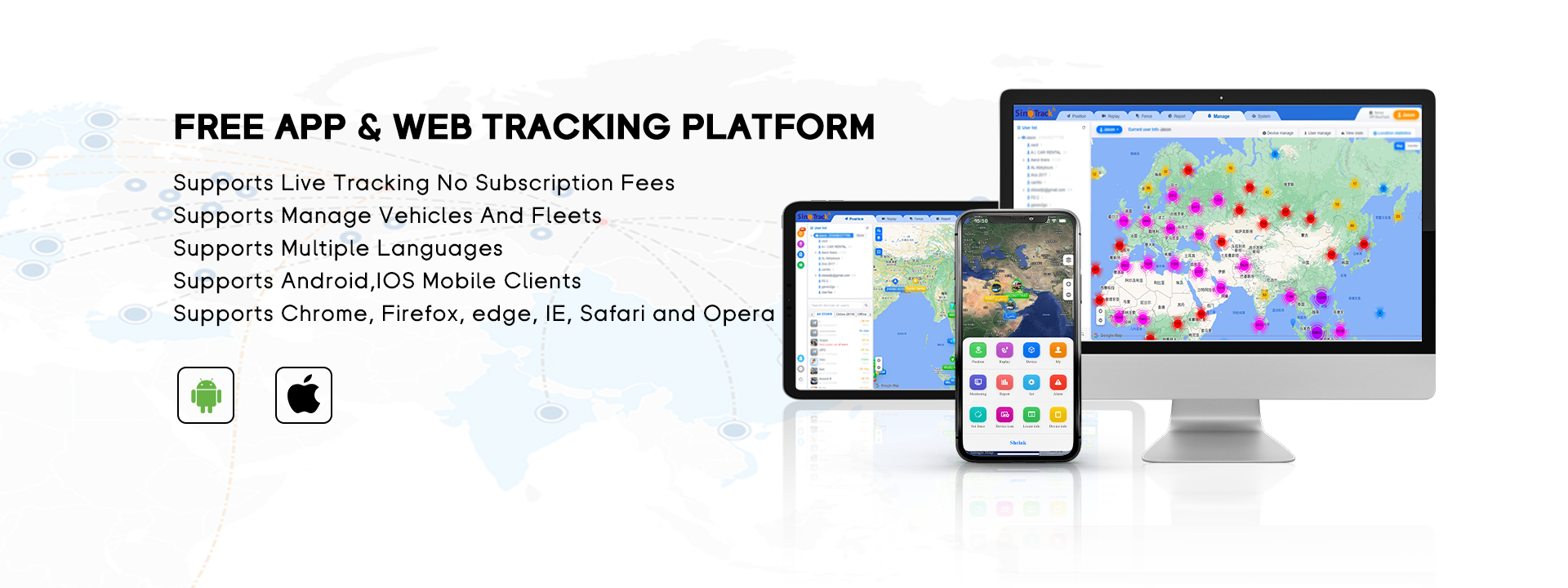



SinoTrack: Leading GPS Tracker Manufacturer With 16 Years Of Experience, No. 1 On AliExpress & Amazon, Offering Lifetime Free APP.

Our GPS Tracker is No. 1 in AliExpress &Amazon, and we are the only one Top Brand.

We have more than 14 years experience of OEM and ODM serice.
Number Of Employees
Number Of Customers
Number Of Production Lines
Technology Patents
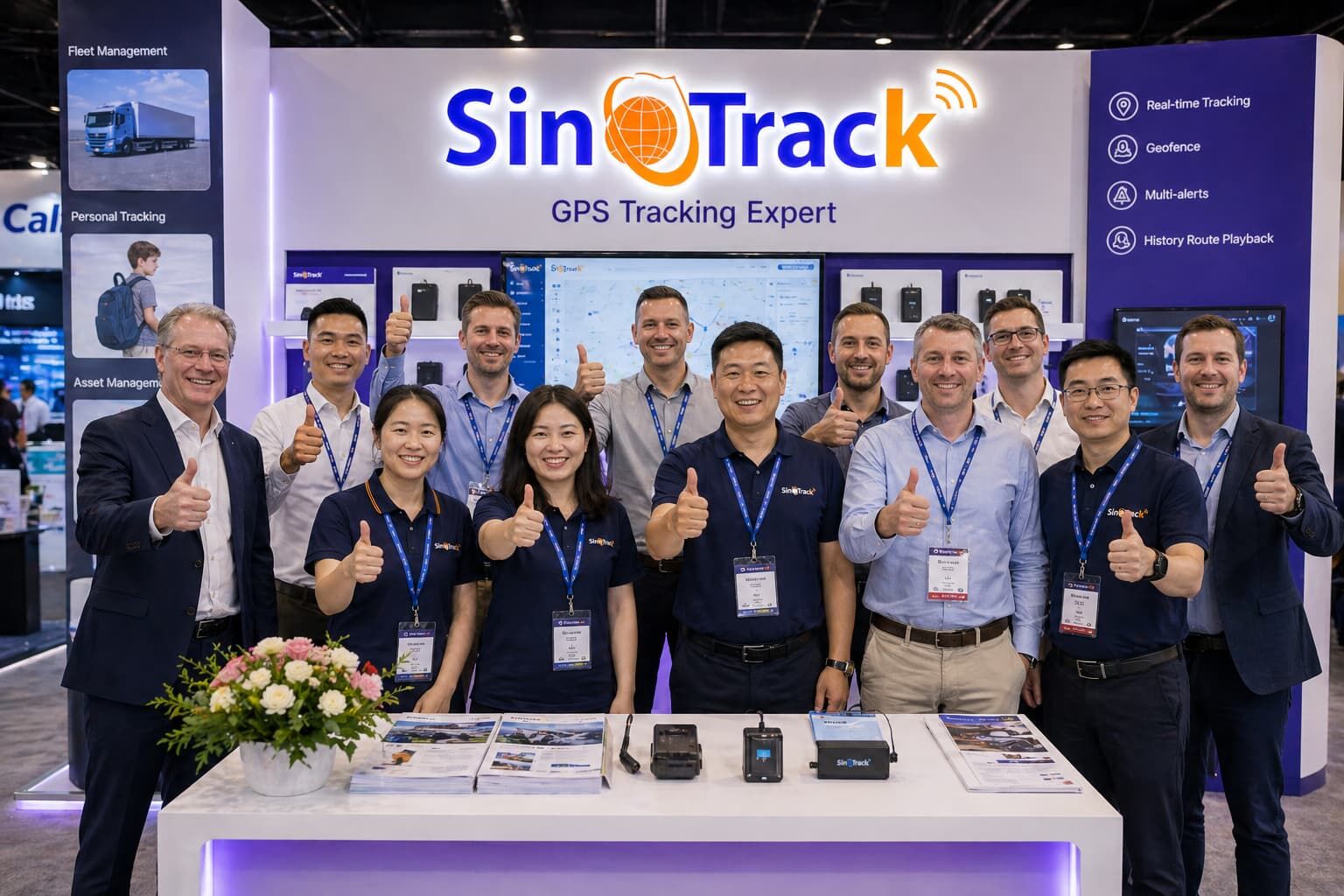
We connect with customers from around the world at international exhibitions, understand real business needs, and demonstrate how SinoTrack GPS trackers perform in real-world scenarios. From fleet management to vehicle security, our solutions are built to be simple, reliable, and ready to support your business growth.
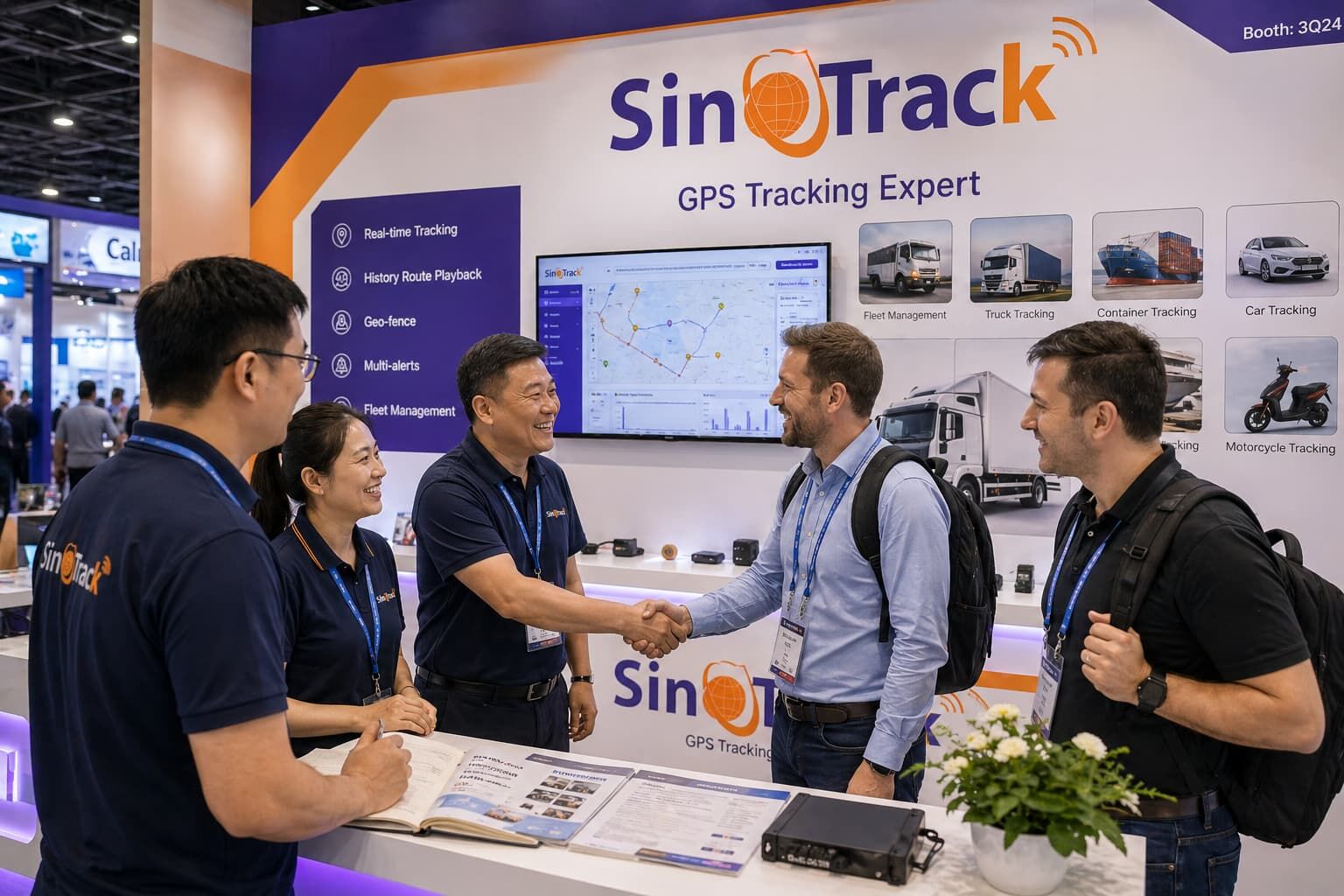


SinoTrack Is a Leading Company in GPS Tracker R&D, Manufacturing, and Sales. We Provide High-Quality Products and Exceptional Service. Our 2G and 4G Trackers Are Available in Over 150 Countries Worldwide.

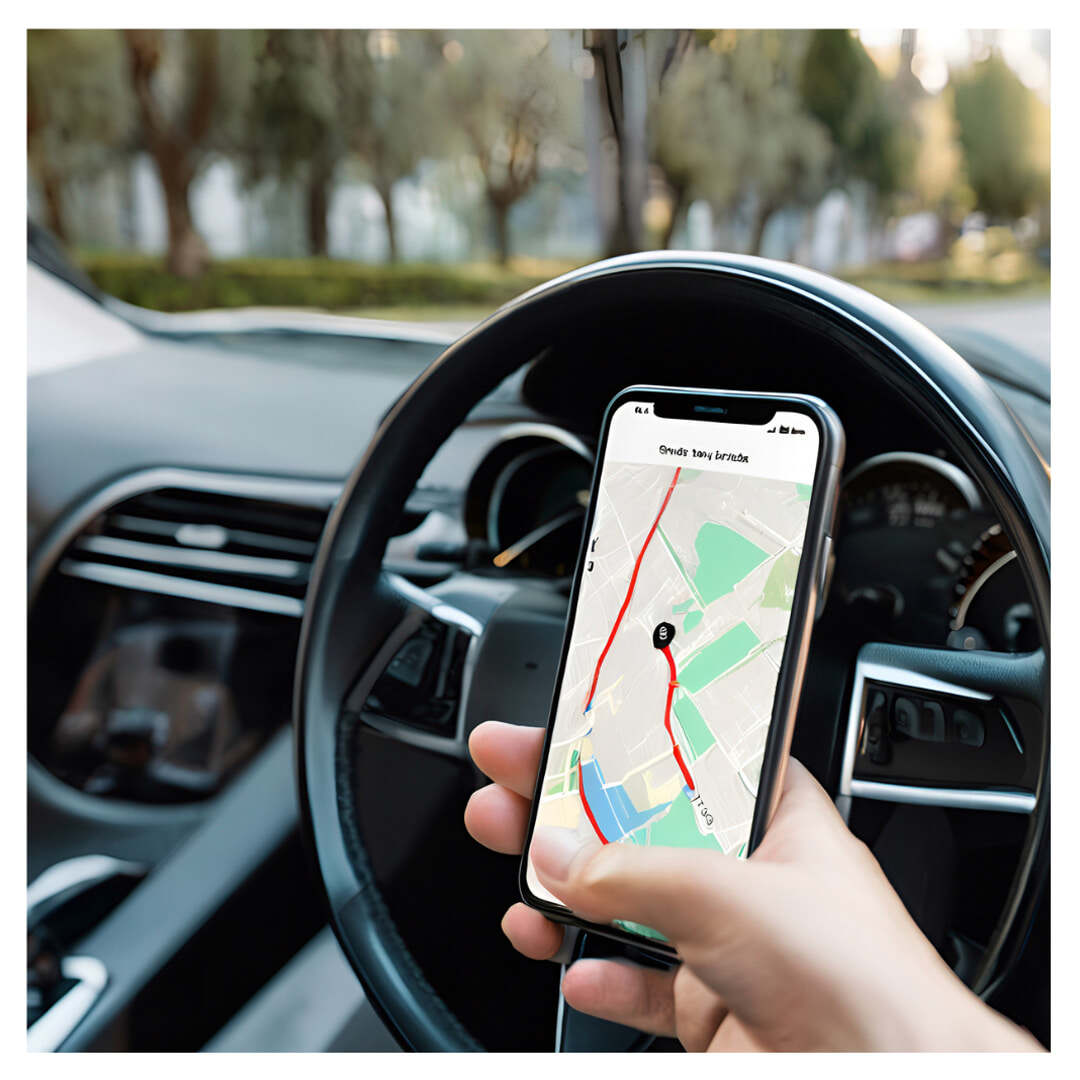
Track your car's exact location and movements with real-time GPS updates.
Read More 
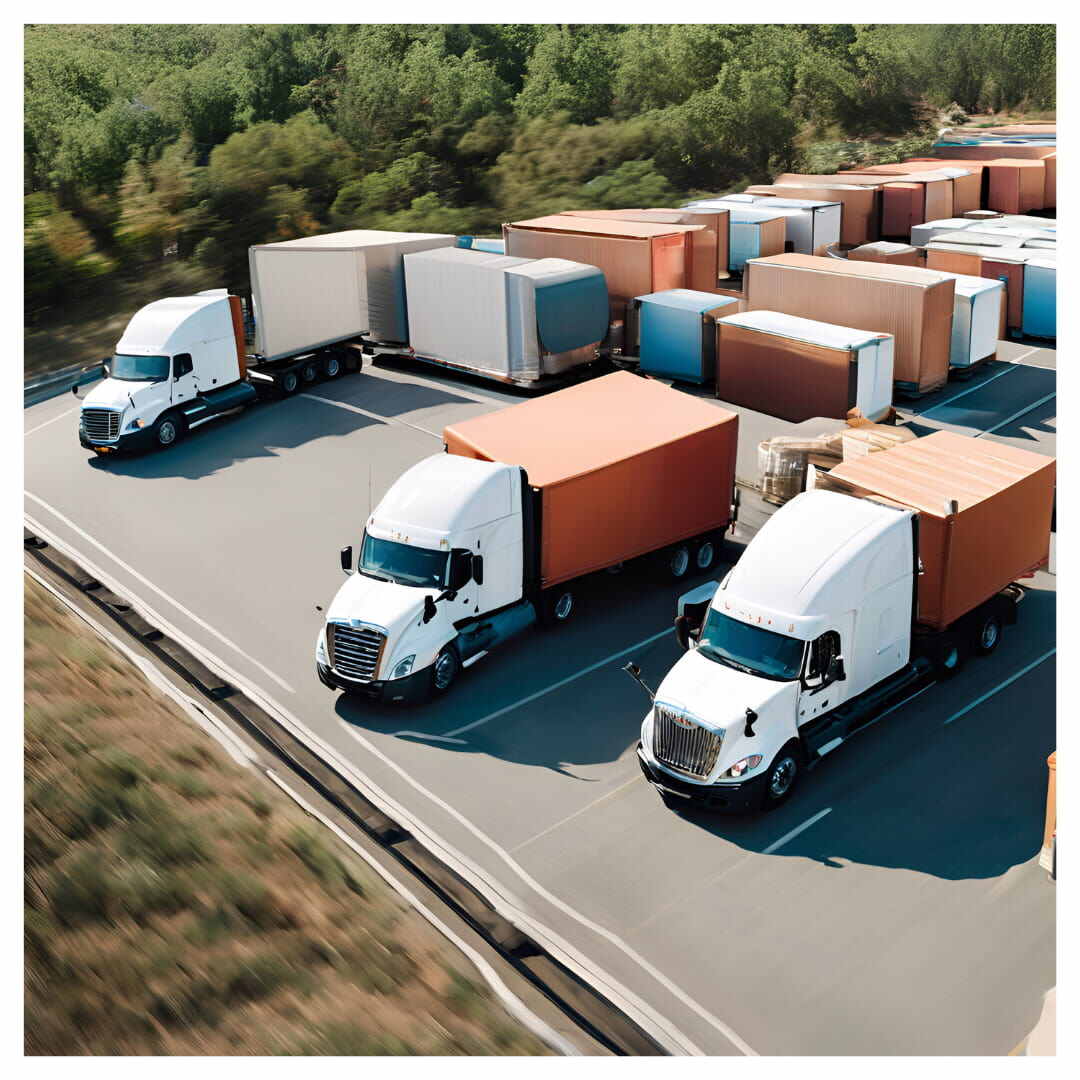
Enhance fleet management with precise, real-time GPS tracking for trucks.
Read More 
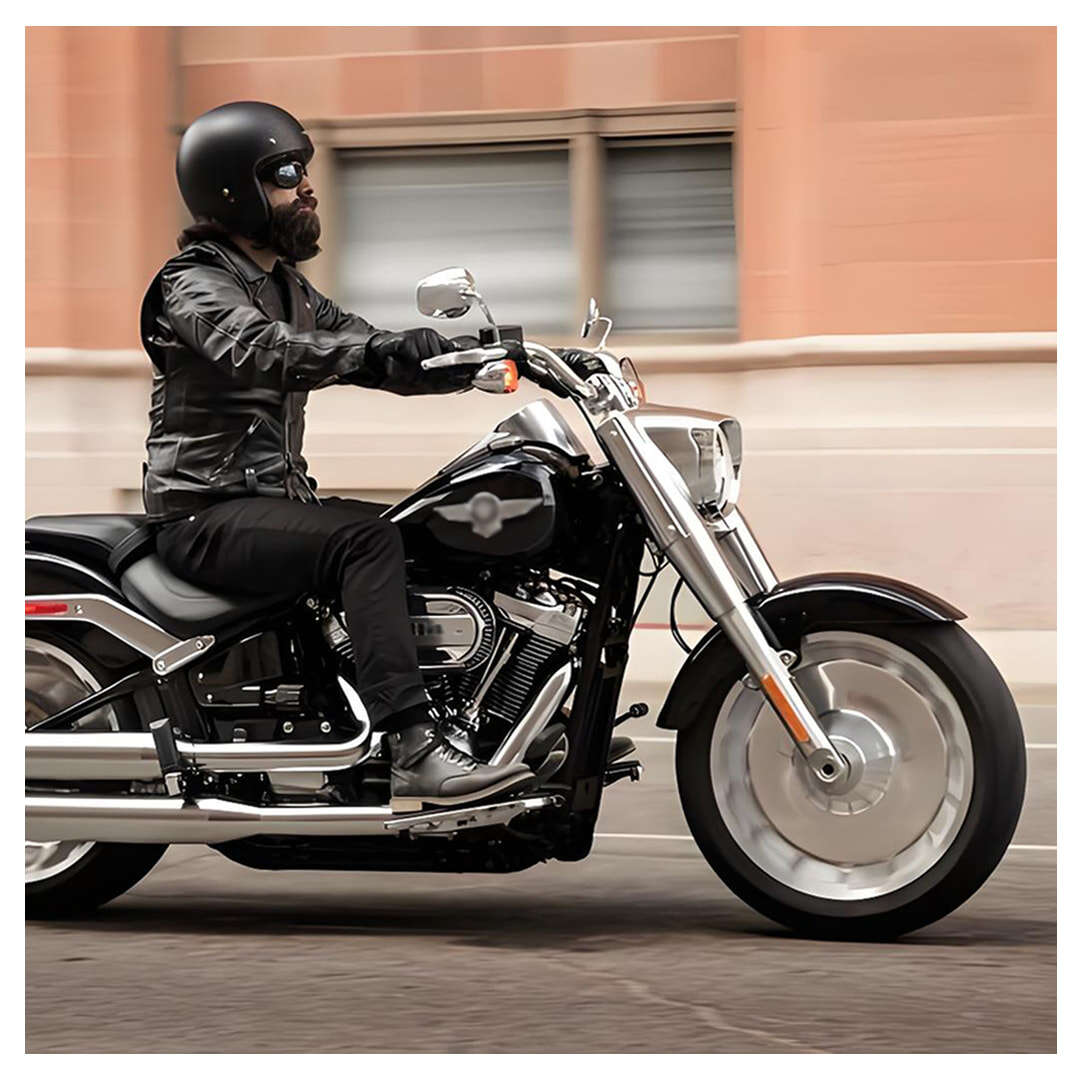
Safeguard your motorcycle with discreet GPS tracking for quick recovery.
Read More 
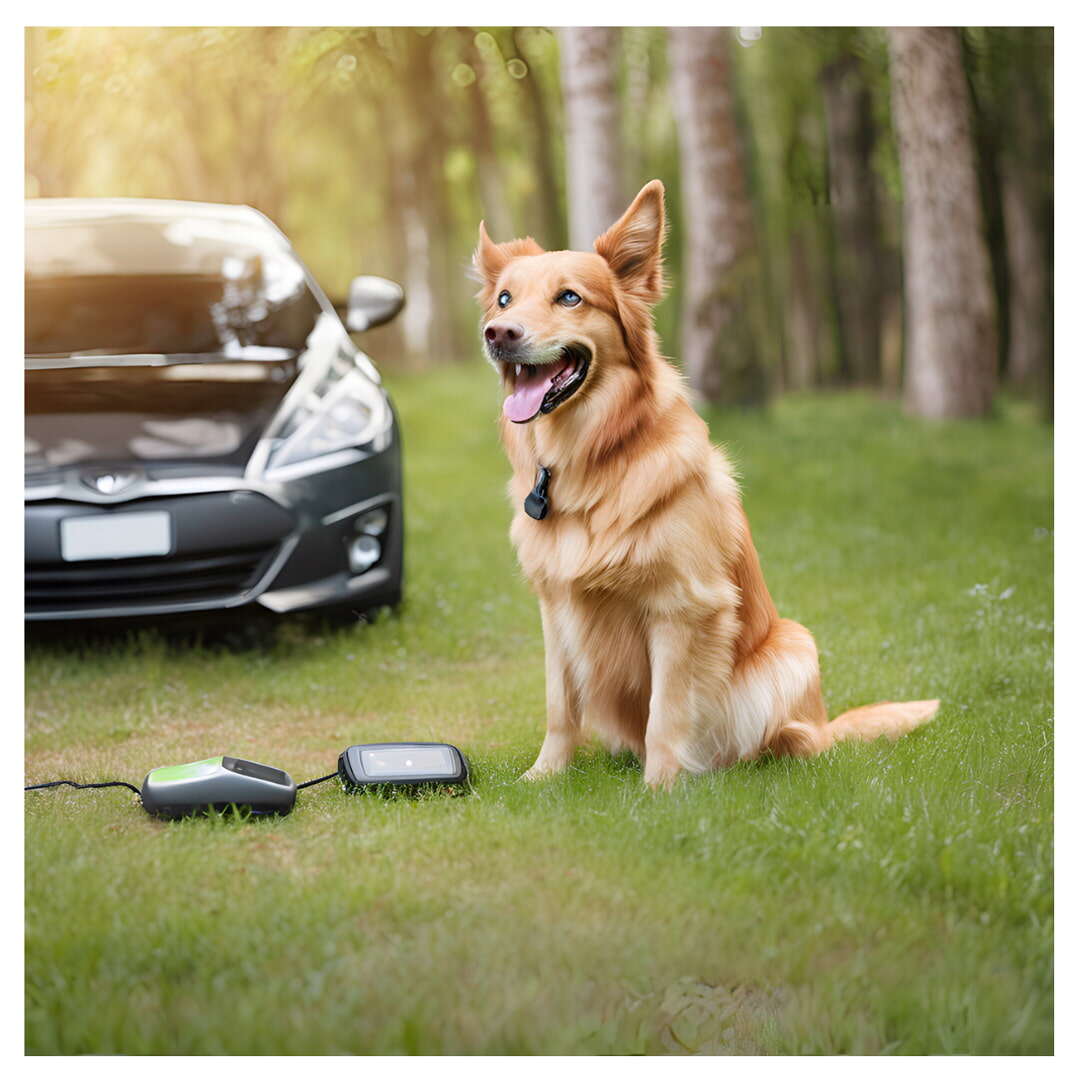
Ensure child safety with accurate GPS tracking for their real-time location.
Read More 

Secure your valuable assets with reliable GPS tracking and location monitoring.
Read More Enjoy peace of mind with our reliable GPS tracker, perfect for every situation. Track loved ones, secure your belongings, and receive real-time updates wherever you go. With instant alerts and seamless connectivity, you can embrace worry-free living and stay informed—get yours today!


Motorcycles, ATVs, and boats share one common trait: they live and breathe the outdoors. For enthusiasts and daily riders alike, leaving a prized vehicle parked outside can be a source of constant anxiety. The threat isn't just theft; it’s the...
Read More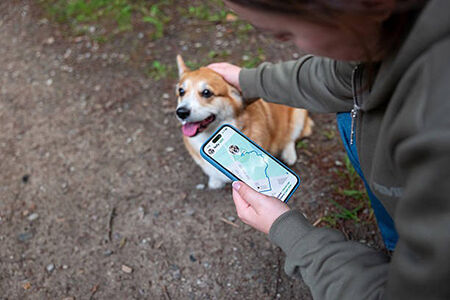
The Invisible Embrace: How Mini GPS Trackers Keep Your Kids, Elderly Parents, and Pets Safe When we hear the phrase "GPS tracker," our minds immediately jump to metal and machines—cars, motorcycles, and logistics trucks. But what about the...
Read More
Finding Your Perfect Fit: Hardwired vs. OBD vs. Magnetic GPS Trackers Security is a deeply personal thing. What makes one person feel safe might not work for another. We all have different lifestyles, different vehicles, and differe...
Read More
Caring for Your Fleet: How Real-Time GPS Trackers Protect Drivers and Boost Business Efficiency Managing a commercial fleet is often viewed purely through the lens of spreadsheets, fuel costs, and profit margins. But talk to any exp...
Read More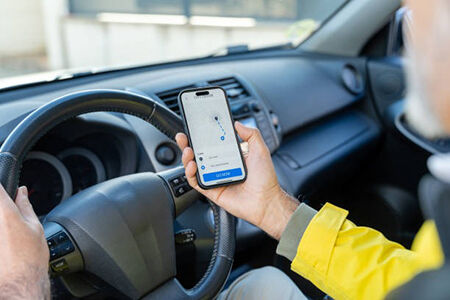
There are few feelings as universally devastating as walking to the exact spot where you parked your car or beloved motorcycle, only to find empty space. The sudden drop in your stomach, the disbelief, the panic—car theft is not just a financ...
Read More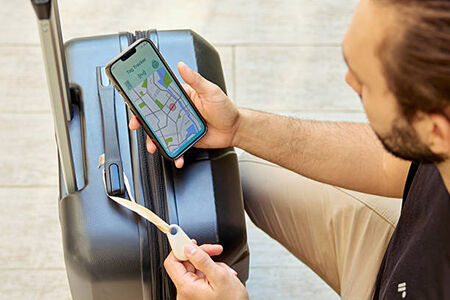
Imagine staring at your computer screen, waiting for a location update from your long-haul driver who is navigating through a remote mountain pass. The screen freezes. The signal drops. The dot on the map vanishes. In that moment of silence, anxiet...
Read More
"As a parent, I can’t express how much peace of mind the GPS tracker has given me. I can easily monitor my children's whereabouts in real-time, whether they're at school or playing outside. Knowing they’re safe allows me to focus on my daily tasks without constant worry."

"As a devoted pet owner, this GPS tracker has been a game-changer for me. I love that my dog can roam freely, and I can set geofences to ensure he stays safe. The instant alerts give me confidence that I can quickly locate him if he wanders too far. It’s made outdoor adventures so much more enjoyable!"

"I travel frequently, and this GPS tracker has been invaluable for keeping my belongings safe. I can easily track my luggage and important documents, receiving alerts if anything is left behind or moved unexpectedly. It’s a relief to know my valuables are protected, allowing me to travel stress-free."

"As a caregiver for my elderly parent, the GPS tracker has been a fantastic support tool. It allows me to discreetly monitor their movements, ensuring their safety while still giving them the independence they cherish. The geofencing and instant notifications have provided both of us with a sense of security that I truly appreciate."

"As a car owner, I highly recommend this GPS tracker for anyone looking to protect their vehicle. With real-time tracking and instant alerts, I feel reassured knowing I can monitor my car’s location at all times. It’s incredibly reassuring to receive notifications if my car is moved or tampered with—it's like having an extra layer of security!"


Order SinoTrack Tracking Device
Purchase a tracker according to your needs.

Active Your Tracker
Buy a SIM card with SMS and network data and active them.

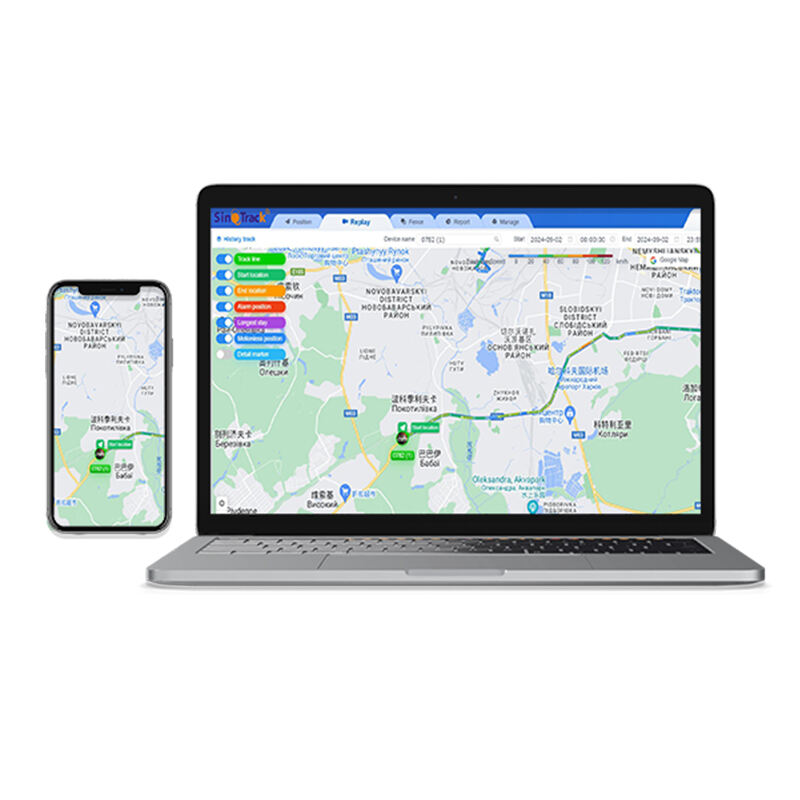
Download "SinoTrack PRO" Free APP (iOS/Android)
Our tracking system for free to use,no monthly fee.

Login To Check
You’re good to go and find it anywhere!

A. Check that the SIM card is activated according to the instructions
B. Check whether there is a SIM card inserted
C. Check the SIM card insertion direction
D. The device is out of battery, it is recommended to charge the device for one hour before using it.
E.Yellow light keeps flashing when the network cannot be found, move the tracker to another location.
F. Send message command from your phone to the tracker SIM,get the reply to check if APN,IP and Port set correct
A. Please note that you are using your phone to send commands to the device's SIM card, please do not send them directly within the app
B. Check if your device's SIM card PIN code has been removed
C. Check if the device's SIM card has the function of sending text messages
A. When logging in, please select the correct server
B. Initial login password: 123456
C. The username is the ID number on the device
D. If you still cannot log in, please seek assistance
Please seek assistance and send the username you want and all devices ID numbers to us.We will help you make an account.
Send a message command RCONF from the phone to the tracker SIM and check if the APN is set incorrectly in the reply.
A. Replace the SIM card with a better signal
B. Drive to a good signal location to obtain the signal
C. You can also send a SMS command of 6690000 to the device to obtain SMS location when the device is disconnected
Please check device setting, send: RCONF to device.It will reply the setting you can check in reply:
A. The APN if is correct;
B. The IP and Port if is correct(IP and port are write in the usermanual,you can check if same as reply)

 EN
EN